
Veo 3.1 AI Video Generator
Create cinematic videos with unprecedented control. Four powerful generation modes, native 1080p output, rich audio, and perfect character consistency—powered by cutting-edge AI video technology.
Try The Video Generator
Create cinematic-quality videos with natural language commands using advanced AI technology.
Please sign in to generate videos
Ready to Create Video
Enter your prompt and click generate to create cinematic videos with AI
Popular Video Examples
Explore Veo 3.1 video generation examples from Google and our custom creations
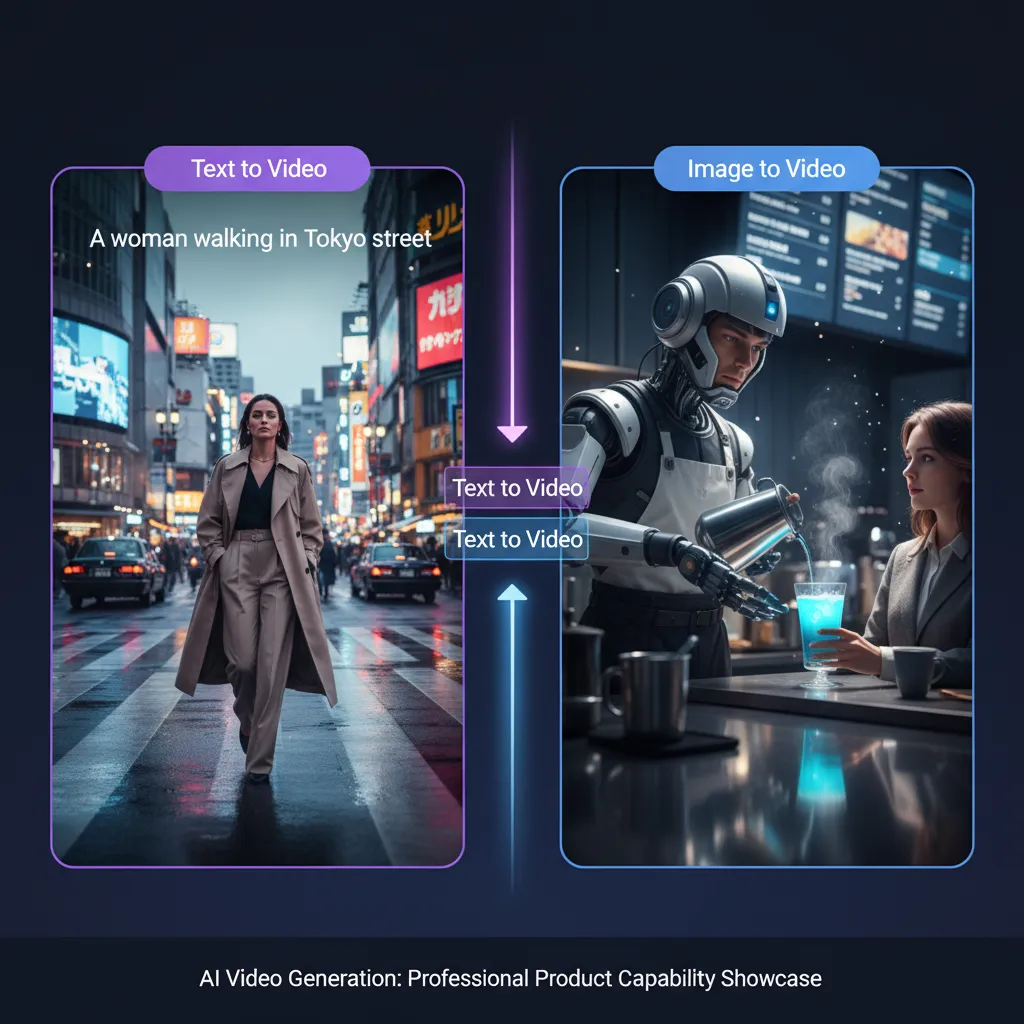
Text to Video
Cinematic Realism
Text → Cinematic Video with Sound
Dialogue & Sound Effects
Text → Video with Character Dialogue
Creative Animation
Text → Whimsical Stop-Motion Style
Cyberpunk Night City
Text → Futuristic City Scene
Dragon Mountain
Text → Epic Fantasy Scene
Coral Reef Exploration
Text → Underwater Documentary
Image to Video
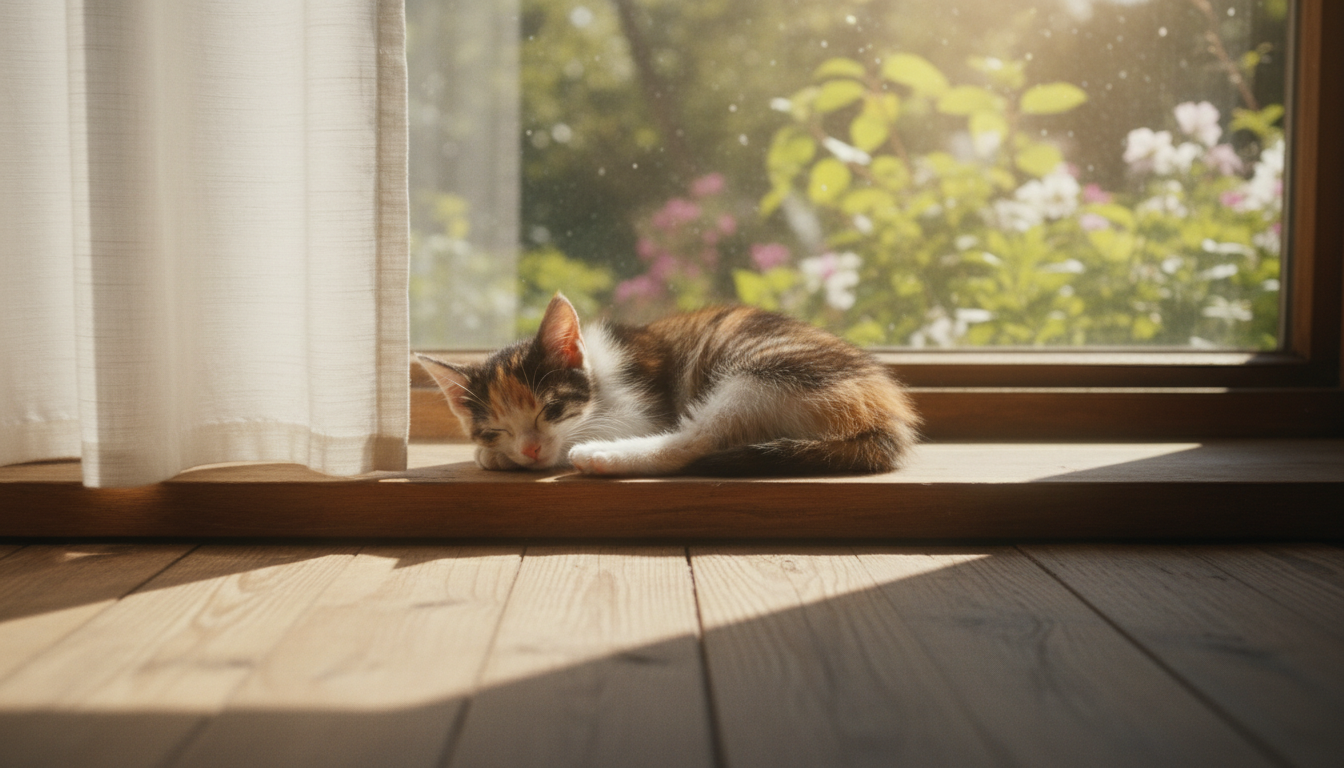
Sleeping Kitten
Image → Video Animation
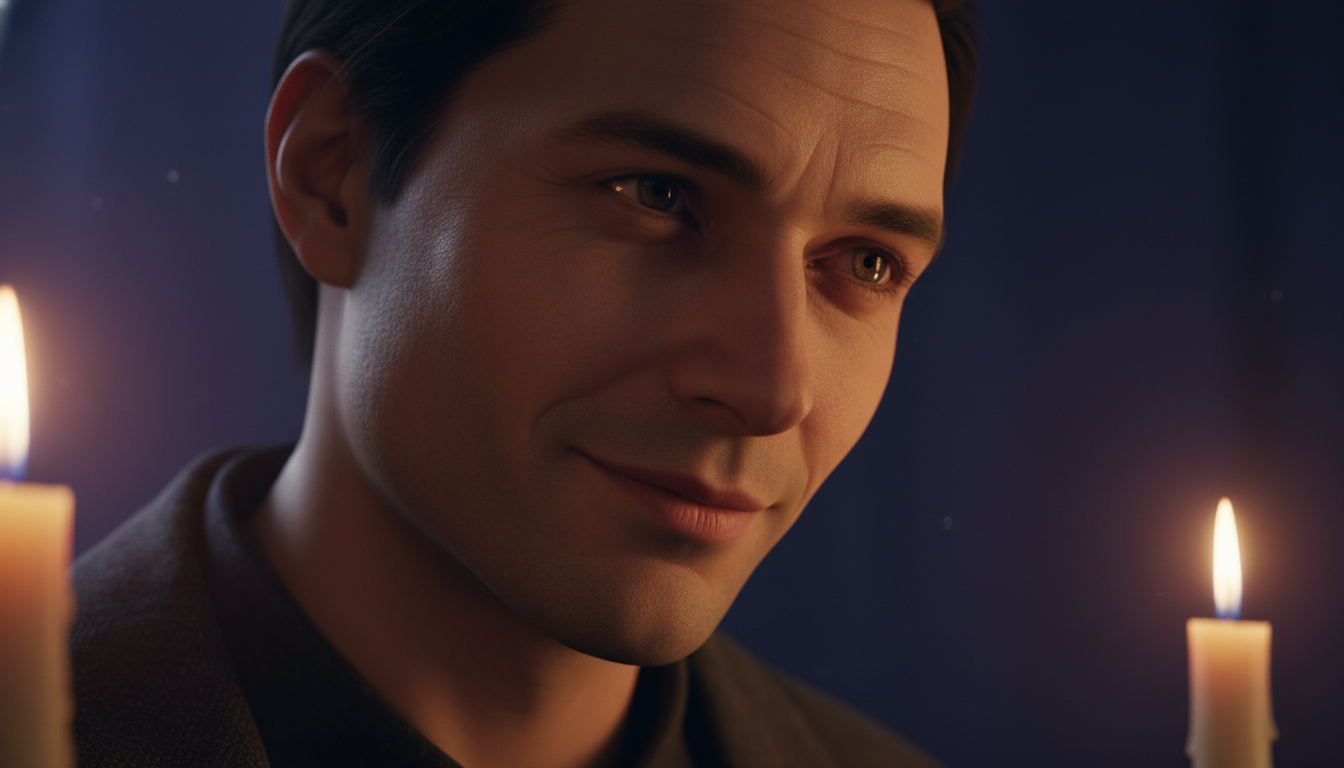
Renaissance Portrait Comes Alive
Image → Animated Portrait
First & Last Frames to Video


Lipstick Dreamscape
First & Last Frames → Magical Product Reveal
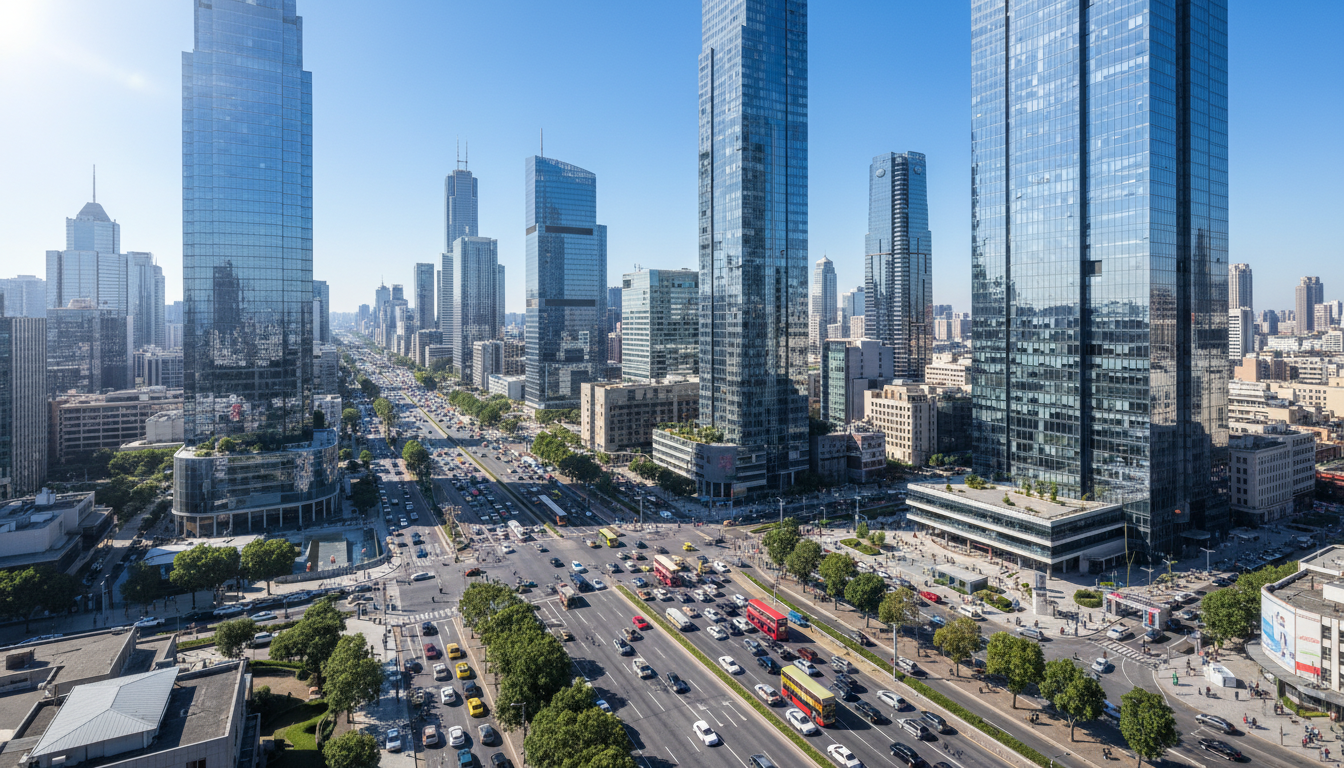
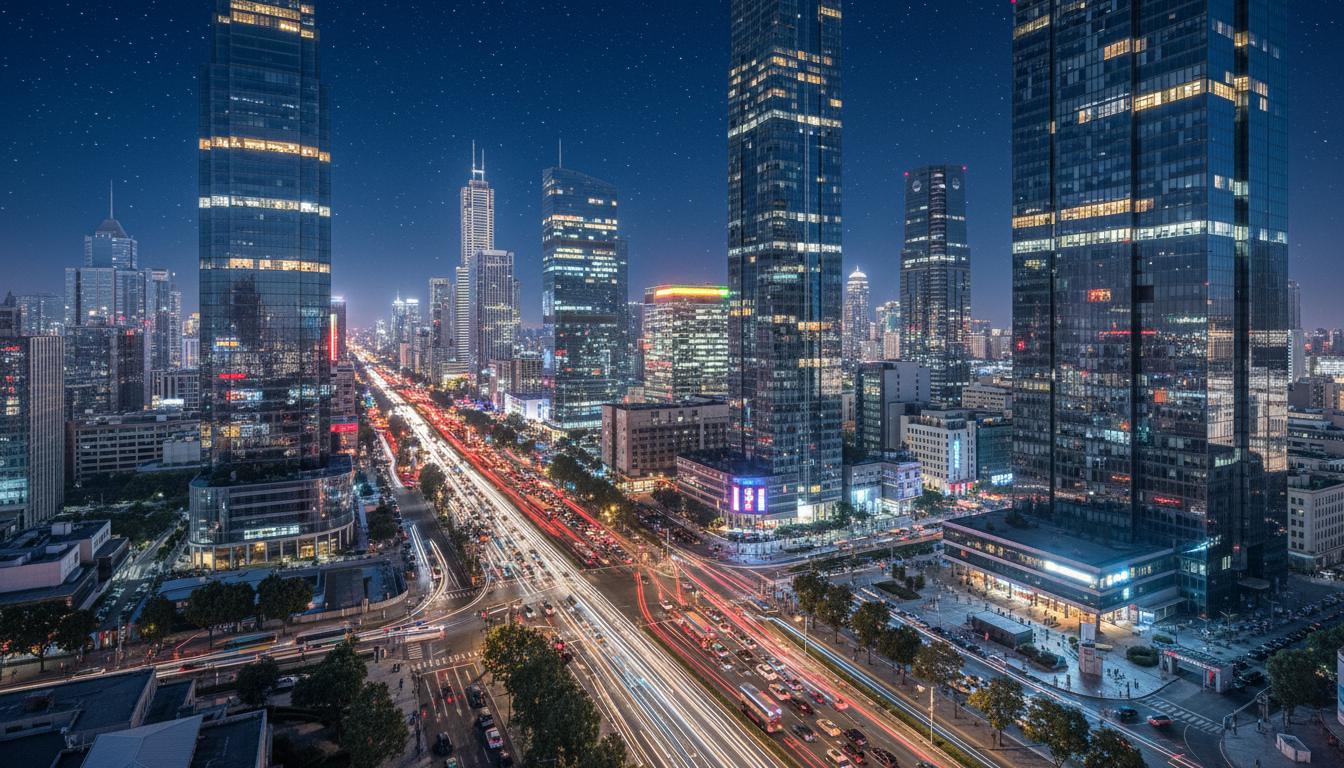
Day to Night City
First & Last Frames → Time-Lapse Transition
Reference Images to Video


Flamingo Fashion
Multiple Images → Fashion Video
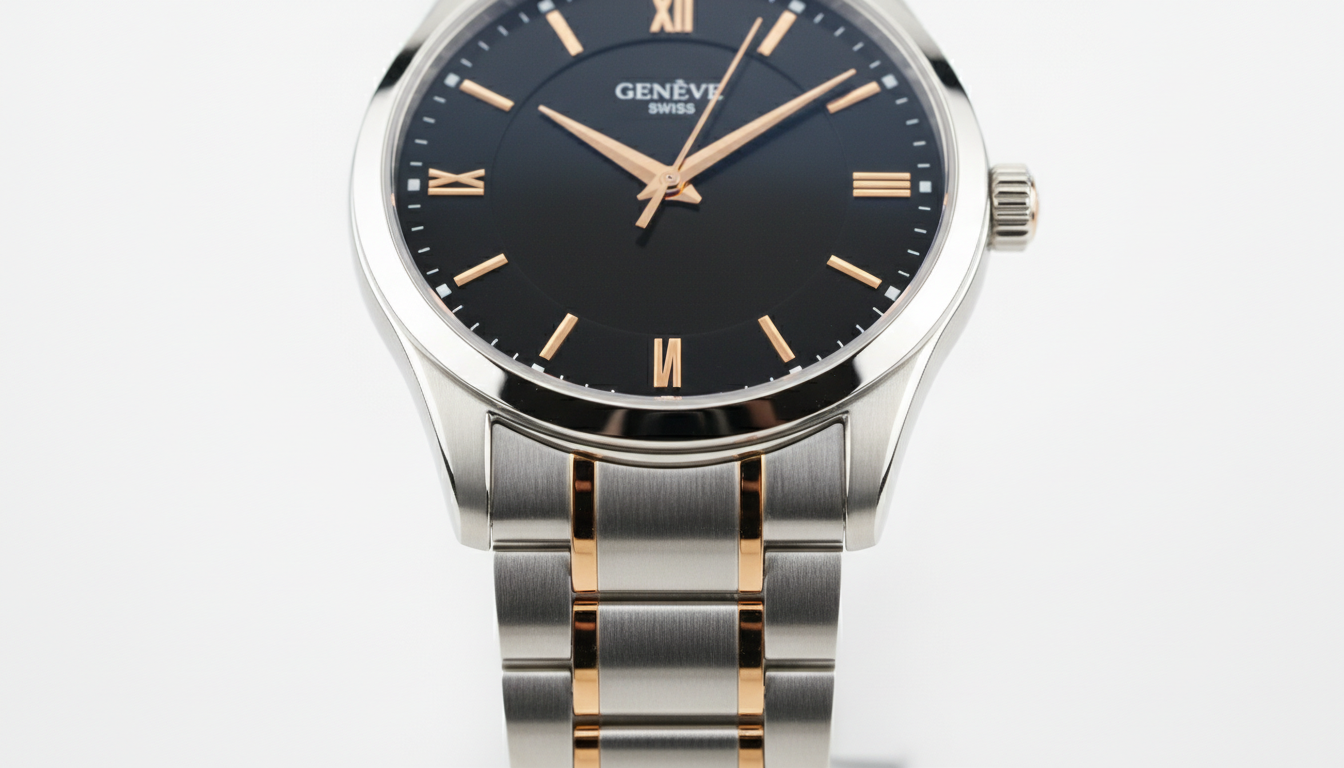
Product Launch Video
Multiple Images → Commercial Video
What Makes Veo 3.1 Revolutionary
Veo 3.1 is an advanced AI video model, bringing professional-grade creative control to everyone. Choose from four powerful generation modes, guide your video with reference images, extend scenes seamlessly, or control transitions frame by frame. Every output includes rich spatial audio and maintains consistent characters throughout.
- Four Generation ModesChoose the workflow that fits your vision: text-to-video, reference images for style control, first & last frame transitions, or scene extension for longer narratives.
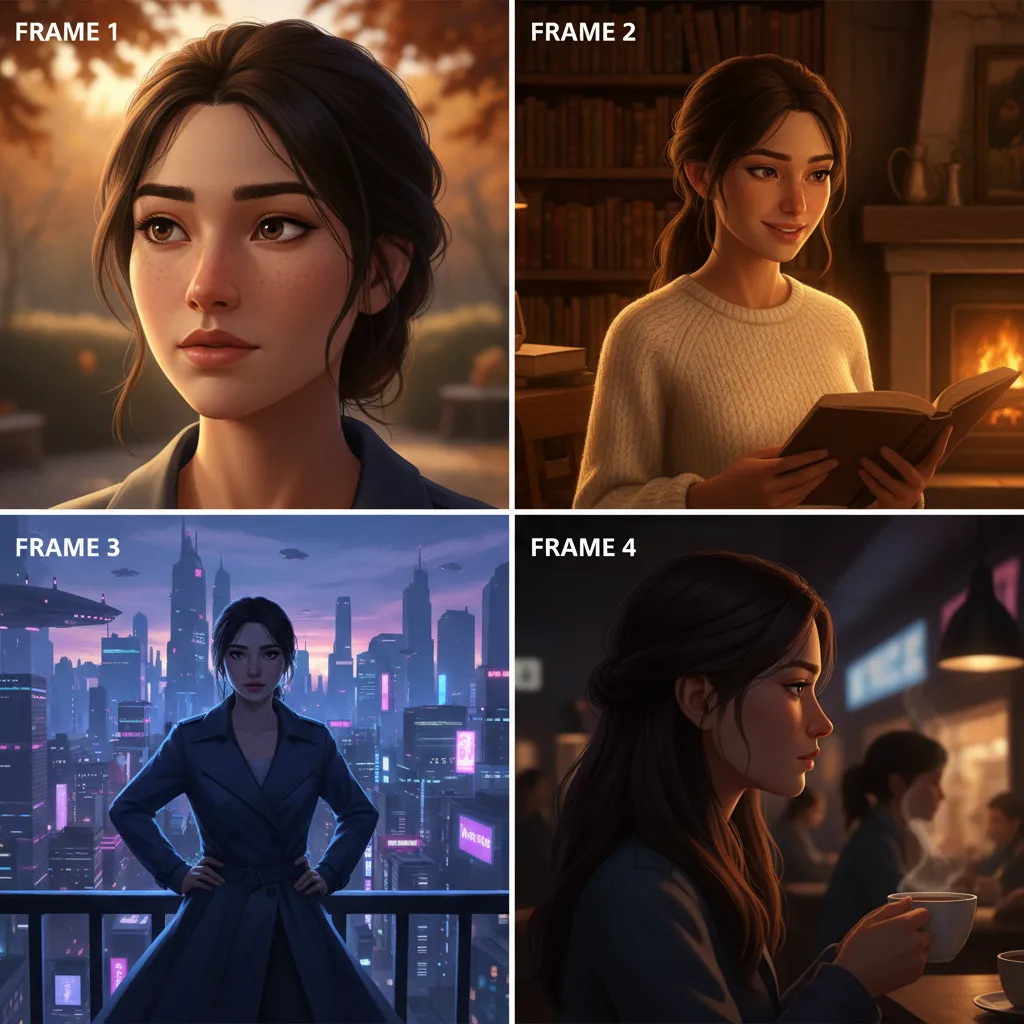
- Reference Image GuidanceUpload up to 3 reference images to lock character appearance, apply specific styles, or guide scene composition. Perfect for maintaining brand consistency across multiple shots.
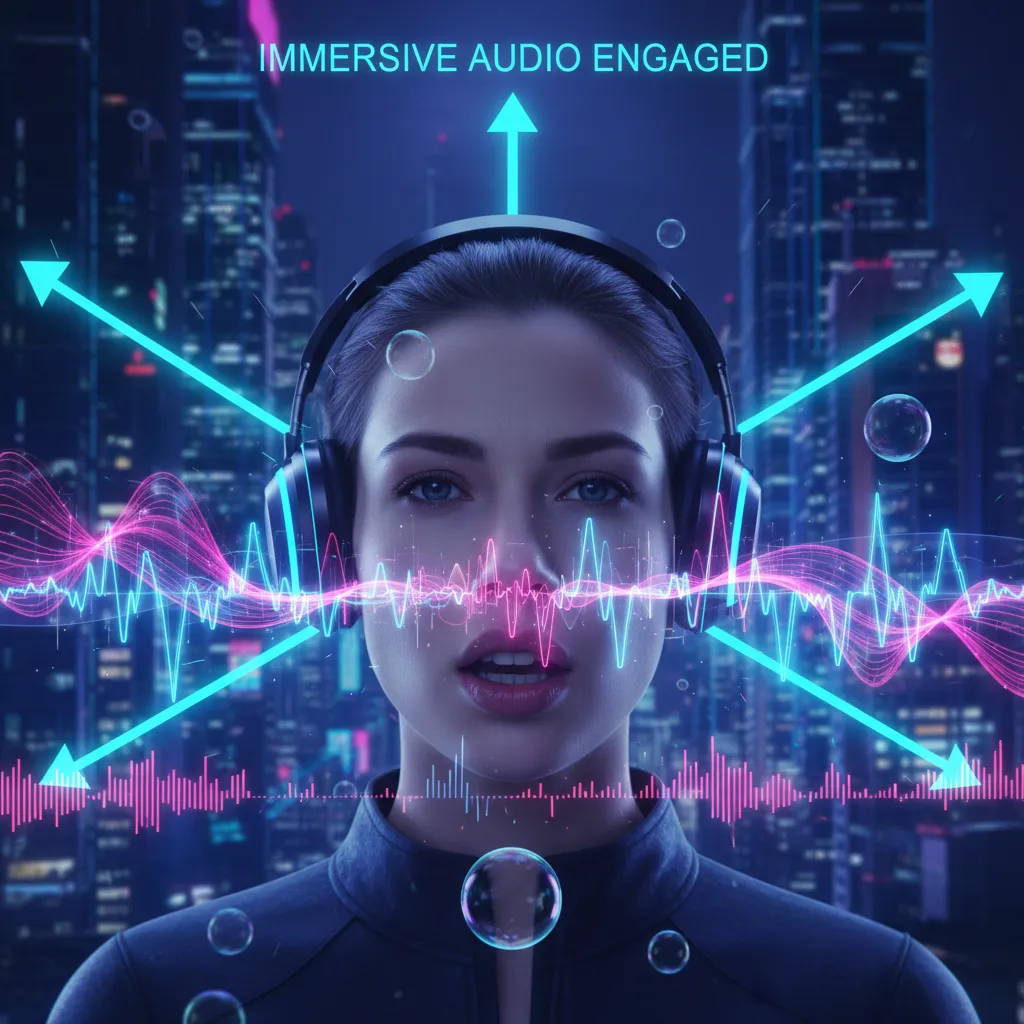
- Rich Native AudioEvery video includes immersive spatial audio with natural dialogue, synchronized sound effects, and realistic ambient sounds—no post-production needed.
Choose Your Generation Mode
Veo 3.1 offers four powerful modes for different creative workflows. Each mode gives you unique control over your video generation.
Features
- Natural language prompts
- Camera control (pans, tilts, zooms)
- Cinematic lighting
- Character animation
- Native spatial audio
Best For
Quick concepts, storytelling, general video creation
Features
- Up to 3 reference images
- Character consistency (>95% accuracy)
- Style transfer
- Scene composition control
- Brand guideline adherence
Best For
Character-driven stories, branded content, style-consistent sequences
Features
- Exact start/end control
- Smooth transitions
- Motion path control
- Transformation sequences
- Audio-synced transitions
Best For
Product reveals, morphing effects, controlled motion sequences
Features
- Extend to 60+ seconds
- Visual continuity maintained
- Background audio preservation
- Multi-clip sequences
- Consistent character appearance
Best For
Long-form content, extended sequences, full stories
Professional Features for Creators
Industry-leading capabilities that give you complete creative control
How It Works
From concept to finished video in four simple steps:
Core Features for Professional Video
Industry-leading capabilities that power your creative vision
Reference Images (1-3)
Upload up to 3 reference images to guide style and maintain character consistency. Industry-leading >95% facial recognition accuracy across all scenes. Essential for branded content and character-driven stories.
Scene Extension
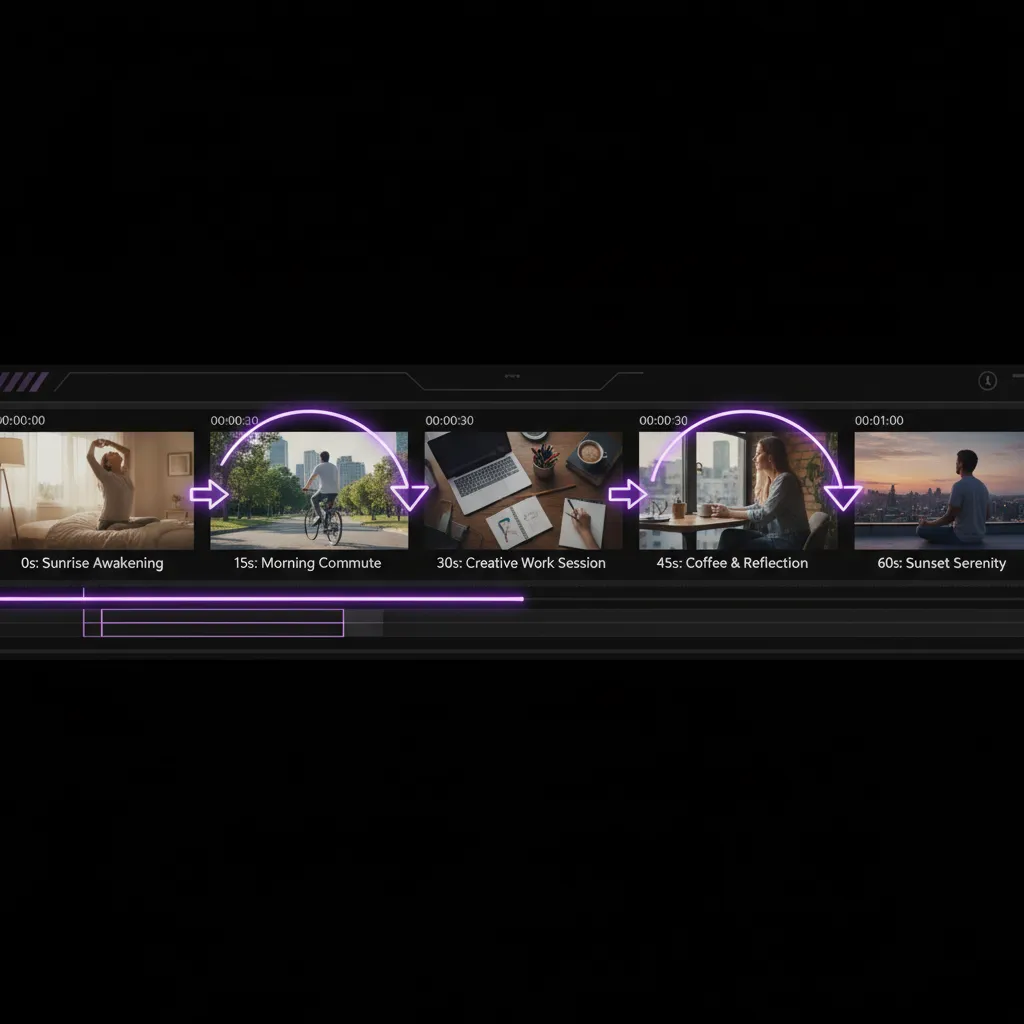
Create videos longer than 60 seconds by seamlessly extending clips. Each new generation connects to the last second of your previous video, maintaining perfect visual and audio continuity.
First & Last Frame Control
Define exact start and end frames for precise transition control. Perfect for product reveals, morphing effects, and controlled motion sequences with synchronized audio.
Native 1080p Resolution
True full HD at 1920x1080 pixels with no upscaling. Sharp, detailed footage with exceptional clarity—broadcast-ready quality for any screen, from mobile to television.
Immersive Spatial Audio
3D sound with directional positioning, natural lip-synced dialogue, and synchronized sound effects. Professional audio quality with realistic ambient sounds—no post-production needed.
Professional Cinematography
Natural language camera control—pans, tilts, dolly shots, crane moves, zooms. Plus cinematic lighting and atmosphere control for broadcast-quality results.
Frequently Asked Questions
Everything you need to know about Veo 3.1
What is Veo 3.1 and how is it different from other AI video tools?
Veo 3.1 is an advanced AI video generation model. It offers four powerful generation modes: Text-to-Video, Reference Images (1-3 photos), First & Last Frame transitions, and Scene Extension for longer videos. You get native 1080p output, rich spatial audio, >95% character consistency, and the ability to guide generation with reference images—features most competitors don't offer.
What are the four generation modes?
1) Text-to-Video: describe your vision in natural language and AI generates the complete video. 2) Reference Images: upload 1-3 images to guide style and maintain character consistency across scenes. 3) First & Last Frame: define exact start and end frames for precise transition control. 4) Scene Extension: create videos longer than 60 seconds by seamlessly connecting new clips to your existing video.
How does Reference Images mode work?
Upload 1-3 reference images of a character, object, or scene style. Veo 3.1 uses these to guide the generation, maintaining the character's appearance or applying a specific visual style throughout the video. Perfect for brand consistency and multi-shot sequences with the same character.
What is Scene Extension?
Scene Extension lets you create videos longer than 60 seconds. Each new clip is generated based on the final second of your previous video, maintaining visual continuity. Ideal for longer narratives and extended shots with background audio.
How long does generation take?
Most videos generate in 2-5 minutes. First & Last Frame mode with Veo 3.1 Fast is typically faster. Longer videos with Scene Extension or complex Reference Images sequences may take additional time to ensure quality and consistency.
Can I use these videos commercially?
Yes, full commercial rights included. Use generated videos for ads, broadcast TV, social media marketing, client work, product demos—anywhere you need professional video content.
What quality and resolution do I get?
Native 1080p (1920x1080) resolution with no upscaling. Videos include rich spatial audio with directional sound, natural dialogue, synchronized sound effects, and ambient audio. Output quality is broadcast-ready for professional use.
Ready to Create with Veo 3.1?
Join creators and teams using cutting-edge video AI technology. Choose your generation mode, add reference images, extend scenes, and create cinematic videos with rich audio.